

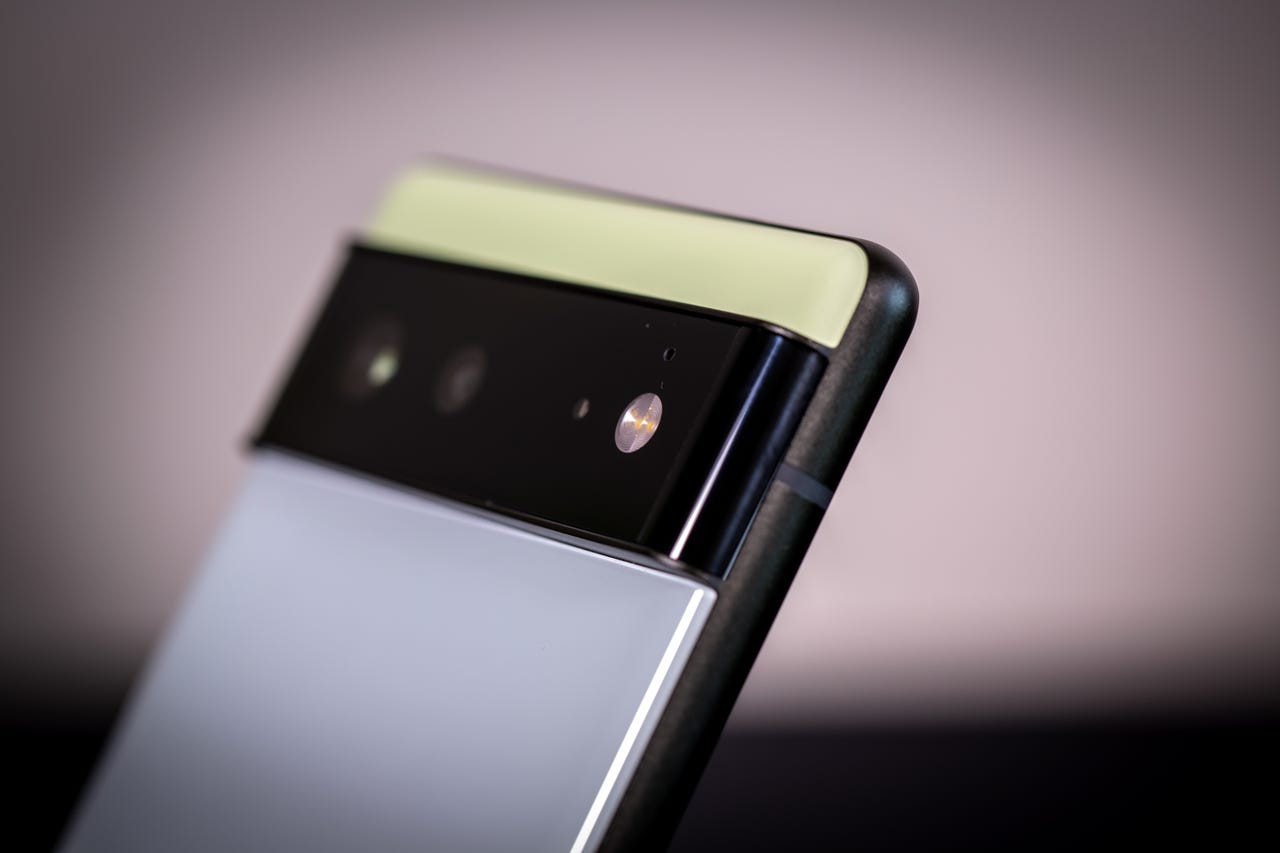
As a devout Google Pixel user, I’ve spent the last week drooling over (and pre-ordering) the flashy new Pixel 8 Pro to replace my Pixel 6. And while I’m already dreaming of the AI-assisted camera, the upgraded Google assistant, and the brightest display on a Pixel ever, I still have a few days left with my old device before it heads to live on a nice phone trade-in farm upstate.
Also: Google Pixel 8 Pro hands-on: Five features that have me excited
Fortunately, these last days with my old friend may be the best, since Google just released its latest operating system, Android 14, to all Pixel phones from the 4a and up. And after using it for 48 hours, it only makes me excited for the future. This list may change when my new phone gets here, as some Android 14 features are exclusive to the newest devices, but here are three of the biggest things I’m loving about Android 14 on my Pixel 6.
1. A last chance to grab your charger
This feature may be my personal favorite. I was just telling my wife the other day that I missed it when my phone let me know the battery was critically low. Sure, there’s a percentage clearly displayed, and a 20% and a 10% warning, but in the middle of a TikTok binge, who’s paying attention to that?
After countless times of my phone dying in my hands, I’d never change. So when my phone recently chirped “HEY, CHARGE ME NOW OR I’M NOT GOING TO MAKE IT!!” with its dying breath (ok, the actual notification was something boring like “Critically Low Battery”), I couldn’t help but laugh and smile. This notification kicks in at 2%, which is precisely where I want it.
2. Improved battery life
One of the reasons I decided to upgrade to the Pixel 8 Pro was the fact that my Pixel 6 absolutely churned through its battery, never making it through a full day. I know that’s largely due to how much it’s in my hand, but it still seems like it lasted a lot longer when I first got it. In my two days with Android 14 though, my battery life is noticeably different even with the same usage.
Also: Google Pixel 8 vs. Google Pixel 8 Pro: Which one is right for you?
I don’t have hard evidence, but I know my phone usually starts asking for a little more energy around 2 to 4 p.m. (don’t we all?). When I sat in the school pickup line at 2:30 p.m. sharp though, I noticed I still had about 50%. And it wasn’t until well past 6 p.m. that I got my 20% warning. Google claims to have done some tinkering behind the scenes that makes the operating system drain the battery less, and at least for me, that claim seems pretty accurate.
3. Custom lock screens
I’ve always been a bit of a minimalist when it comes to my lock screen, being perfectly content to actually dive into my phone when I need some information. But the customization that Android 14 offers here changed my mind. Flexibility is one of the bigger selling points of the Android system as a whole, and version 14 takes it to a new level.
Also: The best Android phones: Tested and reviewed
Instead of a standard size, the clock is now available in a number of styles, sizes, fonts and colors — including a dynamic option that changes the clock size according to what else is on the screen at the time. One of the first things I did was add shortcuts to my wallet and flashlight, and I actually find myself using those features more now that they’re easy to get to.
Of course, there’s a lot more to like about the updated Android. There are a number of new accessibility features, expanded password integration, support for Ultra HDR, and more. And if it’s only better on the Pixel 8 Pro, it’s a good time to be on Team Android.